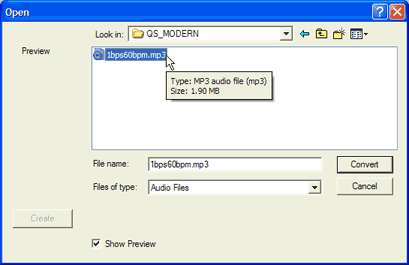
12. To synchronize the sound and animation, add
empty frames before the start position (click at
the start of the Score line, then press the space bar 7 times).
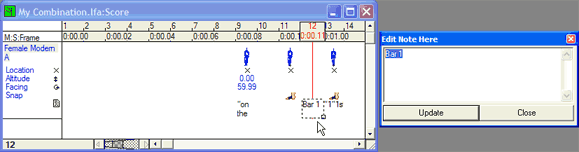
13. To clarify the timing in the Score window, type Bar numbers
in the Notes section: frame 12
is “Bar 1”; Frame 24 is “Bar 2”; Frame 36
is “Bar 3”; Frame 48 is “Bar 4”). (see image
14.)
Your animation should look similar to this
movie.
CONGRATULATIONS! You can now watch your dancer perform
a triplet and leap sequence, to
metronome accompaniment.
From: Using DanceForms to Represent Ballet Movements
and Choreography by Rhonda Ryman rsryman@healthy.uwaterloo.ca
CORPS de Ballet International, Columbia, S.C., 2004 |